


Best metronome apps for practice and performance

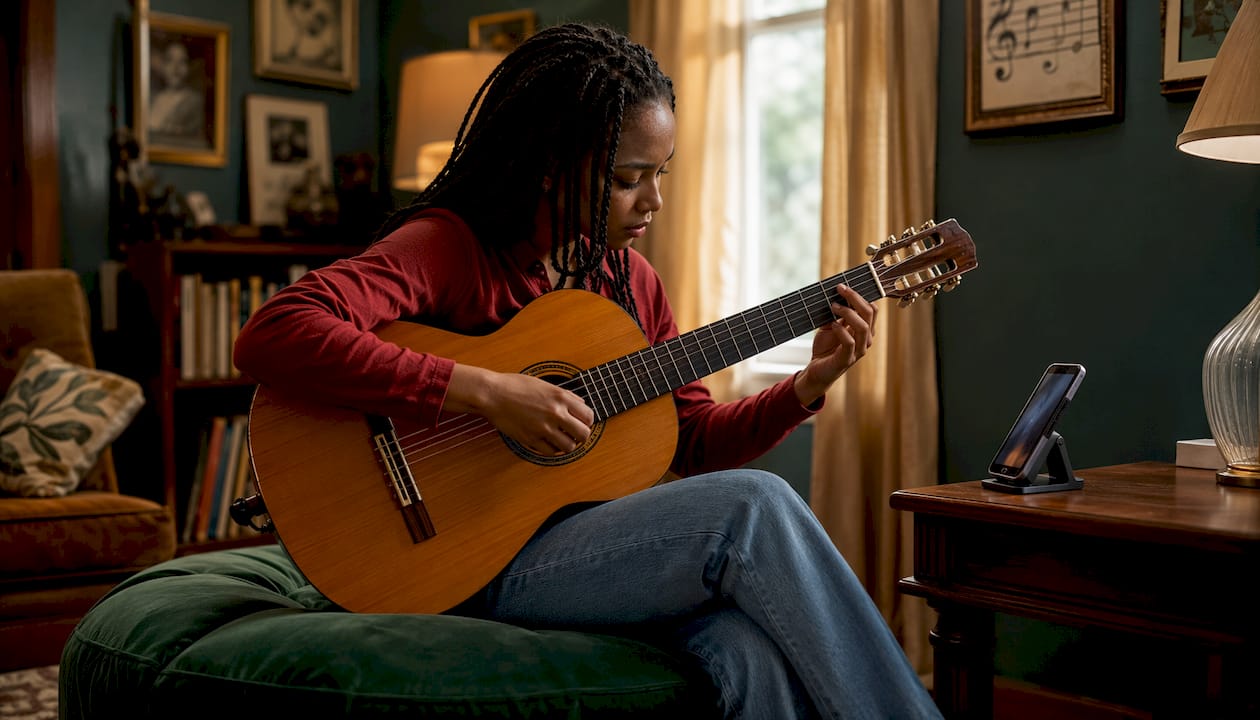
Metronome Beats is the best metronome app for most musicians: it combines a 25 million+ download track record with a speed trainer, drum machine, polyrhythms, and setlist management in a single free download. For ensemble rehearsal or live sync, METRO X is the specialist runner-up, offering sub-millisecond multi-device alignment that no audio click alone can match. At Danpianostudio, both apps feature in lesson plans and exam preparation, and the precision benchmark worth knowing is Pro Metronome’s ±20μs accuracy claim via its RTP technology.
Best overall: Metronome Beats. Free, feature-rich, works offline, and trusted by tens of millions of players across iOS and Android.
Best for ensemble sync: METRO X. Broadcasts a master clock to multiple devices with sub-millisecond alignment, solving drift in chamber and sectional rehearsals.
Best for precision practice: Pro Metronome. The ±20μs accuracy and Rhythm Trainer make it the go-to for exam candidates and studio work.
Best free web option: TheOnlineMetronome. No download, no account, works in any browser.
Table of Contents
Which metronome apps compare best at a glance?
App | Best for | Platform | Price model | Haptic/vibration | Visual indicators | Advanced features | Offline |
Metronome Beats | Most musicians | iOS, Android | Free + in-app | No | Flash, orb | Speed trainer, drum machine, polyrhythms, setlists | Yes |
Soundbrenner | Practice tracking + live | iOS, Android | Free + subscription | Yes (with wearable) | LED flash | Setlists, tuner, practice tracker, 20+ sounds | Yes |
Pro Metronome | Accuracy, exam prep | iOS, Android | Free + in-app | Yes | LED/screen flash | Rhythm Trainer, ±20μs RTP, subdivisions | Yes |
TonalEnergy | Tuning + timing | iOS | Paid (one-off) | No | Visual beat | Tuner, drone, chord player, subdivisions | Yes |
Tempo / Tempo Advance | Performers, setlists | iOS | Free + one-off | No | Visual flash | Setlists, song sections, tap tempo | Yes |
METRO X | Ensemble sync | iOS, Android | Free + paid | No | Visual rhythm | Multi-device sync, sheet music reader | Yes |
Metronome Plus | Beginners | iOS | Free + in-app | No | Visual beat | Subdivisions, tap tempo, basic presets | Yes |
TheOnlineMetronome | Quick web use | Web (browser) | Free | No | Visual flash | Basic tempo, time signature | Requires browser |
Tack | Android, ad-free | Android | Free (open-source) | No | Flash, visualisation | Latency correction, Wear OS, song library | Yes |
All apps listed are available via the UK App Store or Google Play where applicable. TheOnlineMetronome runs in any desktop or mobile browser with no installation. Tack is open-source and available on Google Play at no cost.
Short reviews of the top metronome apps
Metronome Beats (Stonekick)
The sheer breadth of Metronome Beats is what sets it apart from simpler click apps. Beyond the core tempo and time-signature controls, you get a speed trainer that ramps BPM automatically, a built-in drum machine, polyrhythm support, and setlist management with export and import of .mbeats files. That last feature is genuinely useful for teachers who want to share lesson presets with students. It is free to download, with optional in-app purchases for premium sounds and features, and it works entirely offline.
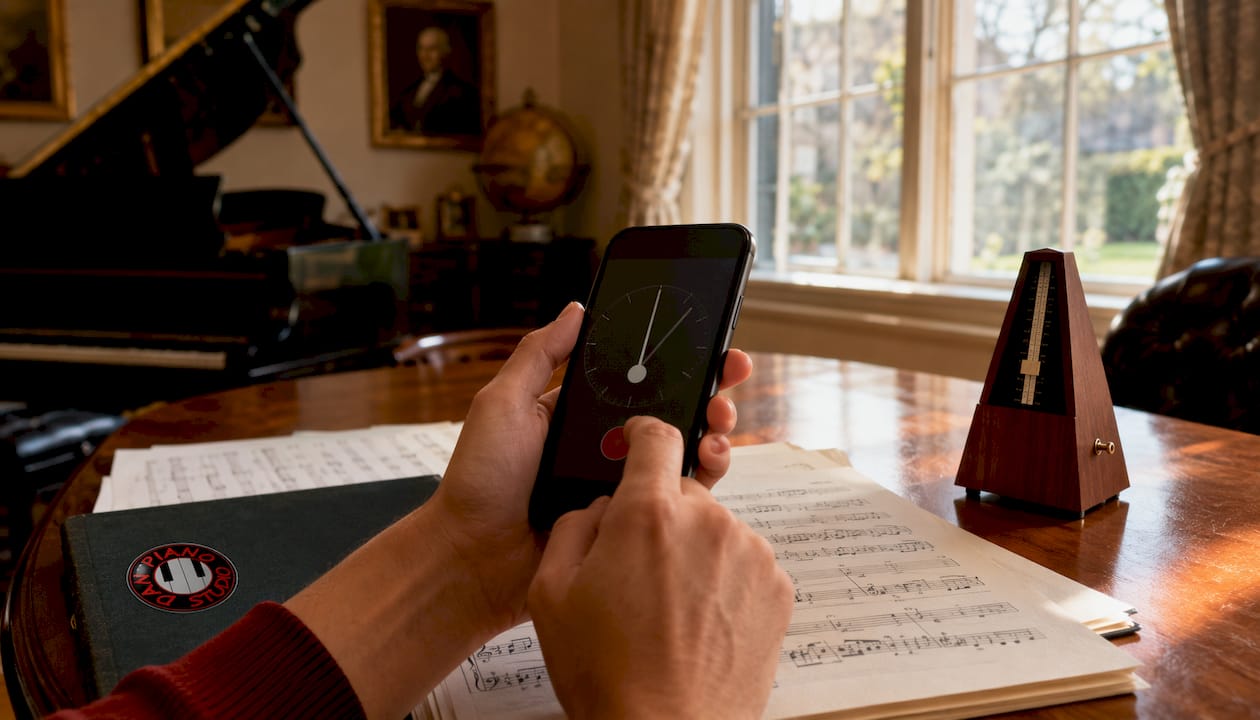
Best for: Most musicians, teachers, and students who want one app that covers practice, rehearsal, and performance.
Metronome by Soundbrenner
Trusted by over 10 million musicians and featured in publications including Rolling Stone and WIRED, Soundbrenner has built a reputation that goes beyond the app itself. The metronome is rock-solid, with more than 20 customisable sounds, accent control, and world-class setlist management. What separates it from rivals is the practice tracker: daily goals, streak tracking, and a 10,000-hour challenge that genuinely motivates consistent practice. Haptic feedback is available when paired with the Soundbrenner Pulse wearable, making it the strongest option for drummers who need a physical beat on their wrist rather than an audio click.
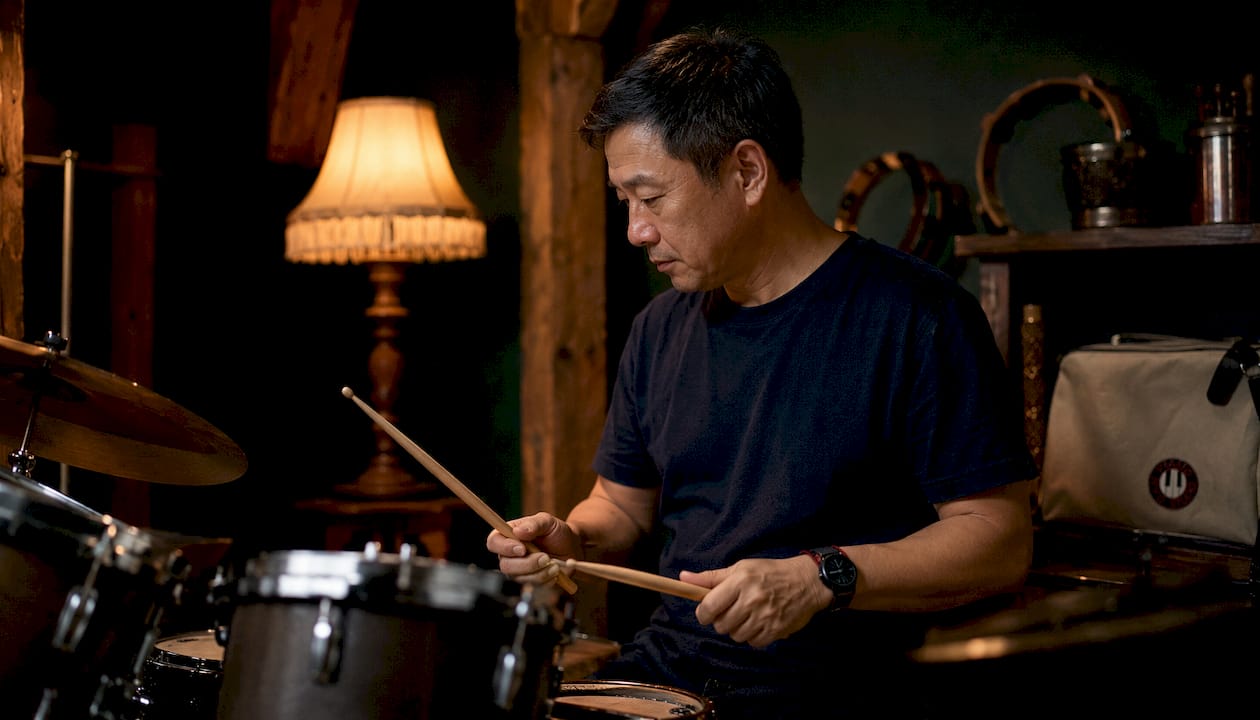
Best for: Motivated self-learners, drummers using the wearable, and anyone who wants practice-hour tracking alongside a metronome.
Pro Metronome (EUMLab)
Pro Metronome’s headline claim is its ±20μs accuracy via RTP technology, which is tighter than most musicians will ever need but reassuring for studio recording and exam preparation. More practically useful is the Rhythm Trainer: it mutes selected bars at set intervals, forcing you to maintain tempo internally rather than leaning on the click. That feature alone changes how you practise. Haptic and LED flash modes make it workable in loud environments, and the interface is clean enough that you can adjust settings mid-session without losing your place.
Best for: Exam candidates (ABRSM, Trinity), studio musicians, and anyone who wants to build genuine internal time rather than click dependency.
TonalEnergy
TonalEnergy is primarily a chromatic tuner, but its metronome and drone functions are strong enough to justify a mention here. It is a one-off paid purchase on iOS, which means no subscription and no ads. The beat visualisation is clear, subdivisions are flexible, and the integrated tuner means you can switch between tuning and timing without leaving the app. Particularly useful for wind players, string players, and vocalists who need tuning and timing in the same session.
Best for: Wind, string, and vocal musicians who want tuner and metronome in one paid, ad-free app.
Tempo / Tempo Advance (Frozen Ape)
Frozen Ape’s Tempo has long been a favourite among performing musicians for one reason: setlist management. You can store exact tempo and time-signature combinations for every song in a set, then recall them instantly on stage with a single tap. Tempo Advance adds more granular control over song sections. The visual flash is clear, tap tempo is responsive, and the app is stable under pressure. It is iOS-only, which is a genuine limitation for Android users.
Best for: Gigging musicians who need fast, reliable setlist recall on stage.
METRO X
METRO X solves a problem that most metronome apps ignore entirely: what happens when five musicians in a room each have a phone and none of them are in sync? Its patent-pending multi-device SYNC broadcasts a master clock to connected devices, correcting for network jitter and measured latency to achieve sub-millisecond alignment. It also includes a sheet music reader, which is a thoughtful addition for ensemble rehearsals. The free tier covers basic use; larger rooms and advanced features require a paid upgrade.
Best for: Chamber groups, sectional rehearsals, and ensemble leaders who need every player locked to the same beat.
Metronome Plus
Metronome Plus keeps things simple. The interface is uncluttered, subdivisions are easy to set, and tap tempo works reliably. There is nothing here that will overwhelm a beginner, and the free tier covers everything a new student needs for the first year or two of lessons. It is iOS-only and lacks the advanced features of Metronome Beats, but that is precisely the point.
Best for: Beginners and younger students who need a clean, non-distracting interface.
TheOnlineMetronome (web)
No app, no account, no installation. TheOnlineMetronome runs in any browser and delivers a basic, accurate click with visual flash and adjustable time signature. It requires an internet connection, which is its only real limitation. For a student who forgets to download an app before a lesson, or a teacher demonstrating tempo on a shared screen, it is the fastest possible solution.
Best for: Quick browser-based use, shared screens in online lessons, and anyone who does not want to install anything.
Tack (open-source, Android)
Tack is the best option for Android users who want an ad-free, open-source metronome with serious customisation. It includes beat visualisation, a song library, screen flash, and audio latency correction, which is a feature most apps quietly ignore. Wear OS support means it works on Android smartwatches. Because it is community-driven and free, there are no paywalls and no upsell prompts.
Best for: Android users who want full customisation, Wear OS support, and zero ads.
How do you choose the right metronome app?
The right app depends on four things: your device, your instrument, your practice goals, and whether you ever perform live. Work through these questions before downloading anything.
Platform first. iOS users have the widest choice. Android users should prioritise Metronome Beats or Tack. If you switch between devices, check that the app syncs presets across platforms before committing to a paid tier.
Haptic or visual feedback. Audio clicks disappear in loud practice rooms and on stage. Haptic and visual modes are particularly valuable for drummers and amplified-instrument players. If you play in a band or rehearse in a noisy space, filter your shortlist to apps that offer LED flash or vibration.
Practice features that actually build timing. A basic click is a timing aid. A speed trainer and a Rhythm Trainer are practice tools. The Rhythm Trainer technique, which mutes a bar at set intervals, forces you to internalise tempo rather than follow the click passively. If building genuine internal time is your goal, prioritise apps that include it.
Setlists for performance. Gigging musicians need to recall exact tempos for every song without fumbling through menus. Apps with setlist management (Metronome Beats, Soundbrenner, Tempo Advance) save real time on stage.
Ensemble sync. If you rehearse with other musicians and want everyone locked to the same beat, multi-device sync is the only reliable solution. Standard Bluetooth or audio clicks drift; a master-clock broadcast does not.
Offline reliability. Most apps work offline once downloaded. TheOnlineMetronome is the exception: it requires a browser connection. Check offline functionality before a gig or exam day.
Red flags to watch for:
Heavy battery drain during long practice sessions
Intrusive ads that interrupt the click mid-bar
No offline mode (a problem for live use)
Accuracy not stated or tested (rare, but worth checking for studio work)
Subscription required for basic time-signature changes
On price models: free core features are sufficient for most students. One-off purchases (TonalEnergy, True Metronome’s premium tier) make sense if you want advanced features without a recurring cost. Subscriptions are worth it only if the advanced tools, such as unlimited presets or practice tracking, are features you will actually use every week.
A practical practice plan from Danpianostudio
The most common mistake students make with a metronome app is treating it as background noise. Used well, it is a diagnostic tool. Here is the approach Danpianostudio uses across grades.
Warm-up (5 minutes). Set the metronome to a tempo where the passage feels easy, roughly 60–70% of target speed. Play through once with the click audible. The goal is not to practise the piece; it is to calibrate your sense of the beat before the session begins.
Focused accuracy work (10–15 minutes). Drop the tempo until you can play every note cleanly. For Grade 1–3 students, this often means starting at 50–60 BPM for a passage marked at 80. Raise the tempo in increments of 4–5 BPM only when three consecutive repetitions are clean. Use the speed trainer in Metronome Beats or Pro Metronome to automate the ramp.
Rhythm Trainer sessions (10 minutes). Switch on the muted-bar feature in Pro Metronome. Set it to mute every fourth bar. Your job is to arrive at bar five exactly on the beat without the click to guide you. This is the single most effective exercise for reducing click dependency before a performance or exam.
Pro Tip: Save a setlist preset for each piece in your current repertoire, including the target exam tempo and the slower practice tempo as separate entries. Before each session, load the practice tempo; before a run-through, load the performance tempo. It takes thirty seconds to set up and removes all the fiddling between pieces.
For ABRSM and Trinity candidates, the exam tempo is not a suggestion. Check the syllabus for the required metronome marking, save it as a named preset, and use it as the ceiling for your speed trainer sessions. For ABRSM exam preparation, working backwards from the target tempo with a structured ramp is far more reliable than guessing when you are “ready.”
For ensemble rehearsal, METRO X removes the need for a single player to call out the tempo. The ensemble leader sets the master clock; every other device locks to it. This works equally well for in-person sectionals and remote rehearsals over video call.
Which app should you pick for your situation?
Beginner or younger student: Metronome Plus (iOS) or Metronome Beats (iOS/Android). Both are free, clean, and non-distracting. Metronome Beats adds room to grow.
Exam preparation (ABRSM/Trinity): Pro Metronome. The Rhythm Trainer and precise tempo control are exactly what exam candidates need. Pair it with beginner piano exercises to build the rhythmic foundation first.
Drummer or amplified instrument player: Soundbrenner with the Pulse wearable for haptic feedback, or Pro Metronome for its LED flash mode.
Gigging musician: Tempo Advance (iOS) for setlist recall, or Metronome Beats if you also need Android compatibility.
Teacher running lessons: Metronome Beats for its preset export and import, which makes sharing lesson configurations with students straightforward.
Ensemble leader or chamber musician: METRO X. Nothing else on this list solves multi-device drift as cleanly.
Android user who wants no ads: Tack. Open-source, fully featured, and free.
No installation, right now: TheOnlineMetronome in a browser.
Key takeaways
Metronome Beats is the strongest all-round choice for most musicians, but the right app depends on whether you need haptic feedback, ensemble sync, or exam-specific precision.
Point | Details |
Top overall pick | Metronome Beats: free, offline, 25 million+ downloads, speed trainer and setlists included. |
Precision benchmark | Pro Metronome claims ±20μs accuracy via RTP technology, making it the go-to for exam and studio work. |
Ensemble sync | METRO X broadcasts a master clock with sub-millisecond alignment, solving drift for group rehearsals. |
Practice tip | Use the Rhythm Trainer (muted bars) to build internal time; it is more effective than constant-click practice. |
Danpianostudio | The studio integrates metronome apps into lesson plans and exam prep; piano lessons pair app practice with guided technique work. |
Why the “best” metronome app is the wrong question
Most roundups treat metronome apps as interchangeable click generators and rank them by feature count. That misses the point. The feature that matters most is the one that matches your specific obstacle. A drummer who cannot hear the click on stage needs haptic feedback, not a drum machine. A student who can play a piece at 60 BPM but falls apart at 80 needs a speed trainer, not a prettier interface. An ensemble that drifts apart in bar twelve needs multi-device sync, not more subdivisions.
The Rhythm Trainer feature is the most underrated tool in this category. Muting a bar at intervals forces a musician to hold tempo internally, which is the actual skill that separates a player who sounds good in the practice room from one who sounds good on stage. Most students never use it because it feels uncomfortable. That discomfort is the point.
Free apps are not a compromise. Pro Metronome’s ±20μs accuracy is available on its free tier. Metronome Beats’ speed trainer and setlists are free. The paid tiers add convenience and customisation, not meaningfully better timing. Spend money on a subscription only if the specific advanced features are ones you will open every session.
How Danpianostudio uses metronome apps in lessons
Metronome apps are not homework add-ons at Danpianostudio. They are built into lesson plans from the first session. Students are shown how to set a practice tempo, use the speed trainer to ramp up gradually, and save presets for each piece they are working on. For online piano lessons, the metronome app becomes the shared reference point: the student plays to their app, the teacher listens and adjusts the target tempo in real time.
For exam candidates, the studio sets the ABRSM or Trinity target tempo as a named preset at the start of term and tracks progress against it lesson by lesson. For performers, setlist presets mean no fumbling between pieces at a recital. If you want that kind of structured, app-integrated practice built into your lessons, Danpianostudio offers in-person tuition in Central London and home piano lessons across the area. Book a trial lesson and bring whatever app you already use.
Useful sources and further reading
Metronome Beats on Google Play — Official Play Store listing with feature details and the 25 million+ download figure.
Metronome by Soundbrenner on the App Store — Full feature list, press quotes, and subscription terms from Soundbrenner.
Pro Metronome on the App Store — RTP accuracy details, Rhythm Trainer description, and haptic/visual mode specs.
METRO X — Developer page for the multi-device sync metronome; explains the master-clock broadcast and sub-millisecond alignment.
True Metronome — Free-first app with a one-off premium upgrade; useful reference for the free-vs-paid pricing model discussion.
Tack on Google Play — Open-source Android metronome with latency correction and Wear OS support.
Danpianostudio: how to practise piano effectively — Studio-backed practice routines that pair directly with metronome app sessions.
Danpianostudio: online piano lessons — Booking page for remote lessons where metronome homework is assigned and reviewed.
Recommended



Comments